Compare · Zoho CRM
Sloose vs Zoho CRM's built-in import
Zoho CRM's import is free, built in, and fine for one tidy file per module. This page shows where it stops, where Sloose carries on, and where Zoho's import is the better choice.
When to use which
Zoho CRM's import
One clean file for one module. Links given as record IDs, names or a unique field. Values that already match your fields. You want an undo, or you want Zoho's assignment rules and automation to run on the new records.
Sloose
One sheet holding several kinds of record. Links to find by a field you choose. Picklist values, names and dates to fix on the way in. Rows to match against records you already have. The same file again next month.
Zoho CRM import compared with Sloose, row by row
Every Zoho fact links to Zoho's own help. Rows we could not check on both sides are left out rather than guessed.
| Compared | Zoho CRM's import | Sloose | Better |
|---|---|---|---|
| Price | Included with Zoho CRM. | A free plan with 5 runs a month of up to 500 rows each. Paid plans from US$49 a month. | Zoho CRM's import |
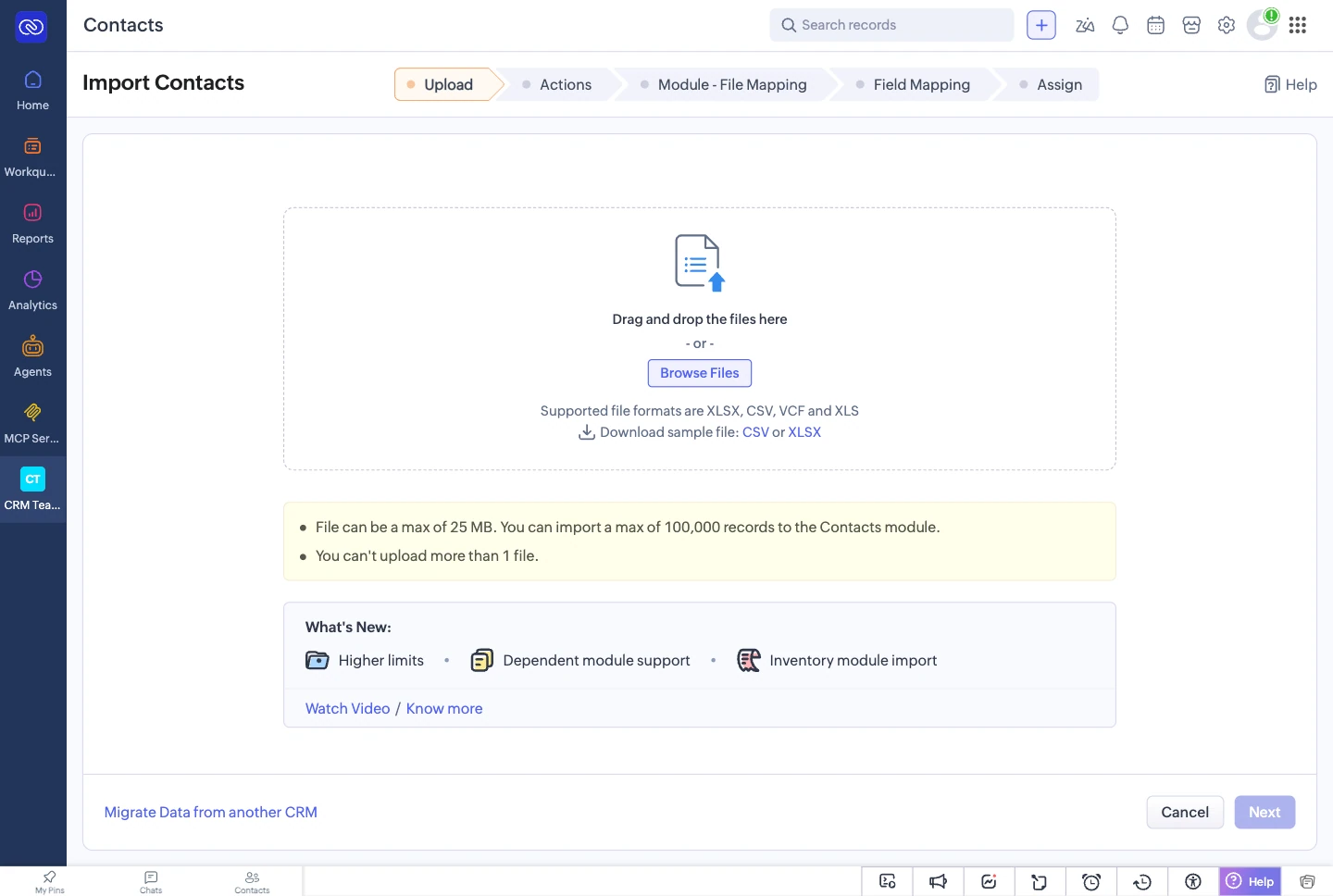
| Rows per importZoho help | By edition: Free 1,000, Standard 20,000, Professional 50,000, Enterprise 100,000, Ultimate 200,000. Up to 25 MB and 500 columns a file. | By plan: Free 500, Team 10,000, Business 100,000, Enterprise 500,000 rows a run. | Depends on the plans you hold |
| Where it runsZoho help | Zoho runs the import and tells you in the CRM, or by email, when it is done. | In your browser. Keep the tab open until the run ends. One run at a time for each organisation. | Zoho CRM's import |
| File typesZoho help | CSV, XLS and XLSX. VCF for Leads, Contacts and Users. | CSV, TSV, pasted text, and XLSX with any of its worksheets. Not .xls or .ods: save those as .xlsx first. | Depends Zoho also reads .xls and VCF |
| Title, blank and totals rowsZoho help | The first row must hold the column names. More than 10 empty rows in a row end the file. | Finds the header row on each sheet, below a title if there is one. Ask AI on Source writes a recipe you can read that drops title and total rows and fills down grouped values. | Sloose |
| Several modules from one fileZoho helpZoho FAQ | One file for the main module, plus optional files for dependent records such as subforms. Zoho’s FAQ says to put accounts in a separate file and import them first. | One file can feed several modules, such as accounts, contacts and deals. Sloose runs the modules in the order their links need. A company on several rows becomes one account when accounts are matched on its name. | Sloose |
| Several files linked in one importZoho FAQ | Import the parent file first, then the file that links to it, as separate imports. | Add both files to one import. Each file runs after the one it links to, and a link to a record made earlier in the run is found from the run itself. | Sloose |
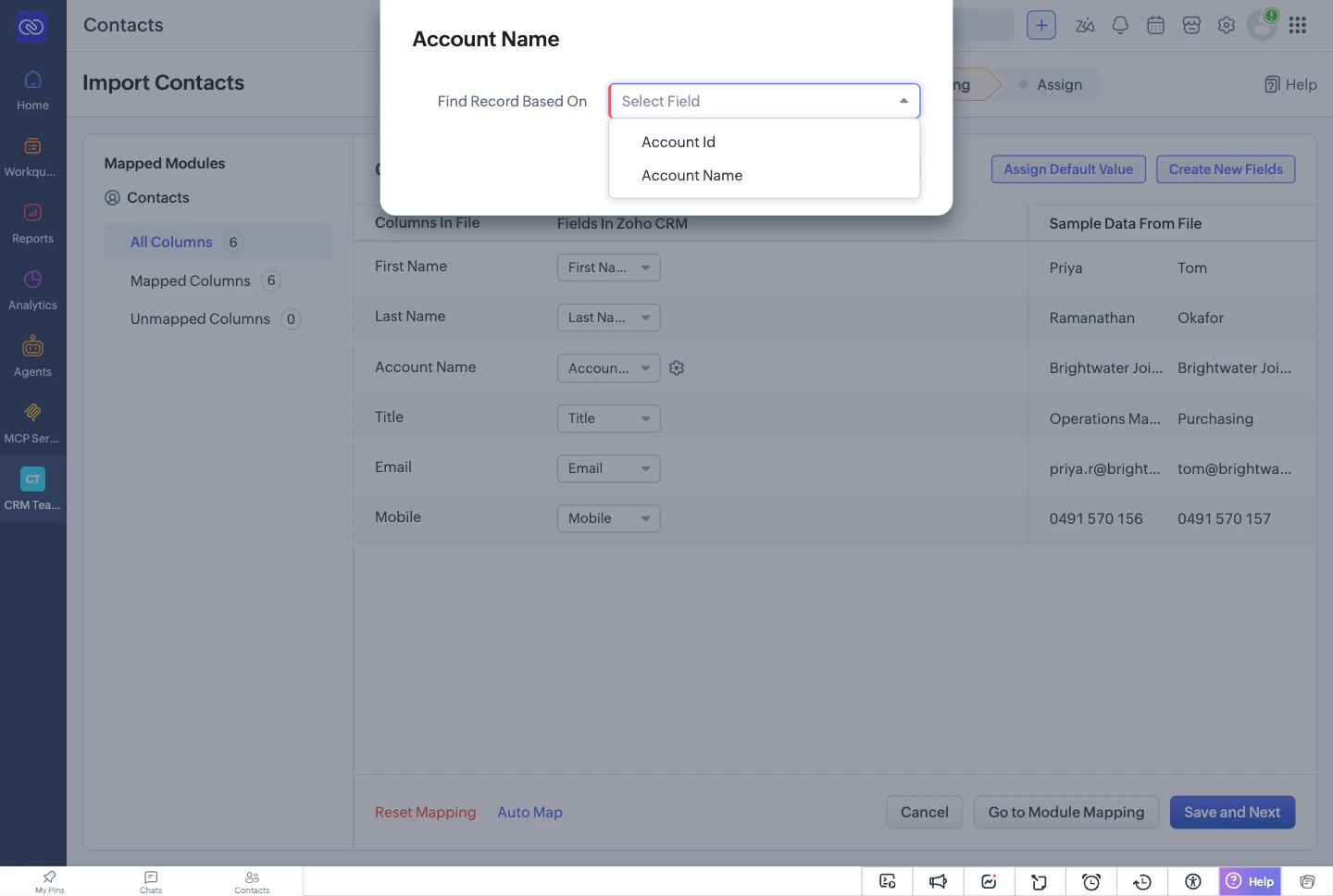
| LookupsZoho help | By record ID, a unique field, the record name (not for Leads, Contacts or Users), email, or an external ID. Every row of a column uses the same type. | Find the record by a field you choose that Zoho can search. Say what happens when nothing matches, or when several records do. | Sloose |
| Changing values on the way inZoho help | Values go in as they are. You can set a default value for a field, and choose one format for a date or currency field. | A formula for any column, such as splitting a full name or reading dates written in several formats. The AI can write it, and you see its output on your rows. | Sloose |
| Picklist values that do not matchZoho FAQ | Zoho’s FAQ lists a value missing from the picklist as a cause of failed imports. In our test the import kept it as typed instead. An admin can add the value first. | A value map turns each value into an option, such as NSW into New South Wales. Matching by spelling is free, and the AI can suggest the rest. | Sloose |
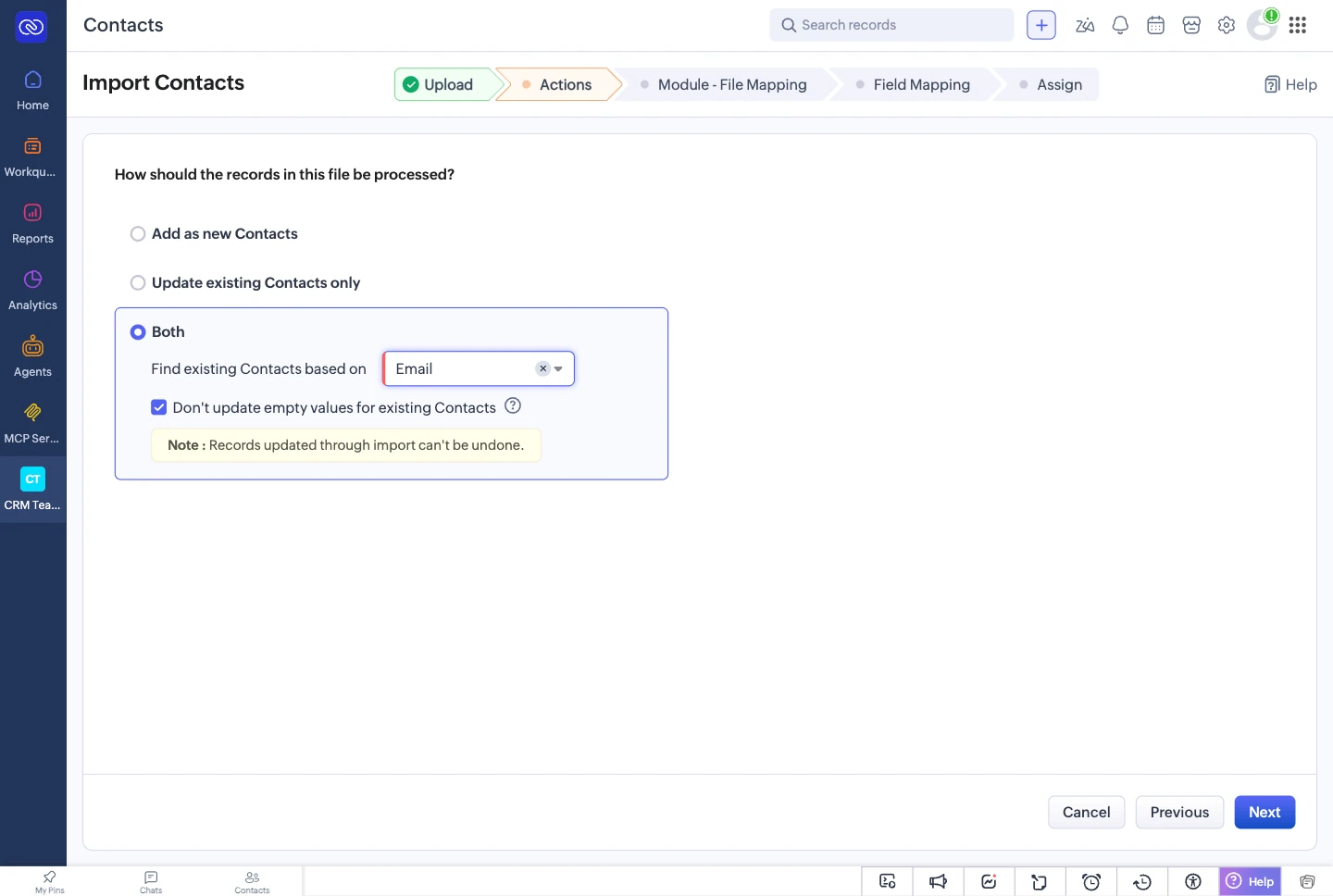
| Duplicates and updatesZoho help | Add new, update existing, or both, found by one unique field. Updates can skip empty values. | Each module is matched on its own field or formula. You decide what happens on one match and on several, up to asking you record by record. | Sloose on matching. Zoho can skip empty values on update. |
| Checking before it writesZoho help | Zoho’s help goes from mapping straight to submitting, and describes no dry run. | Validate checks the whole import for free. A dry run shows what each row would create or update, and writes nothing. | Sloose |
| Failed rowsZoho help | Download the records with errors, for imports in the last seven days. Fix them in a spreadsheet and import them again. | A results file for every run, kept for your plan’s history: 7, 30 or 365 days. Ask AI explains a failure. A retry skips the records the first run made. | Sloose |
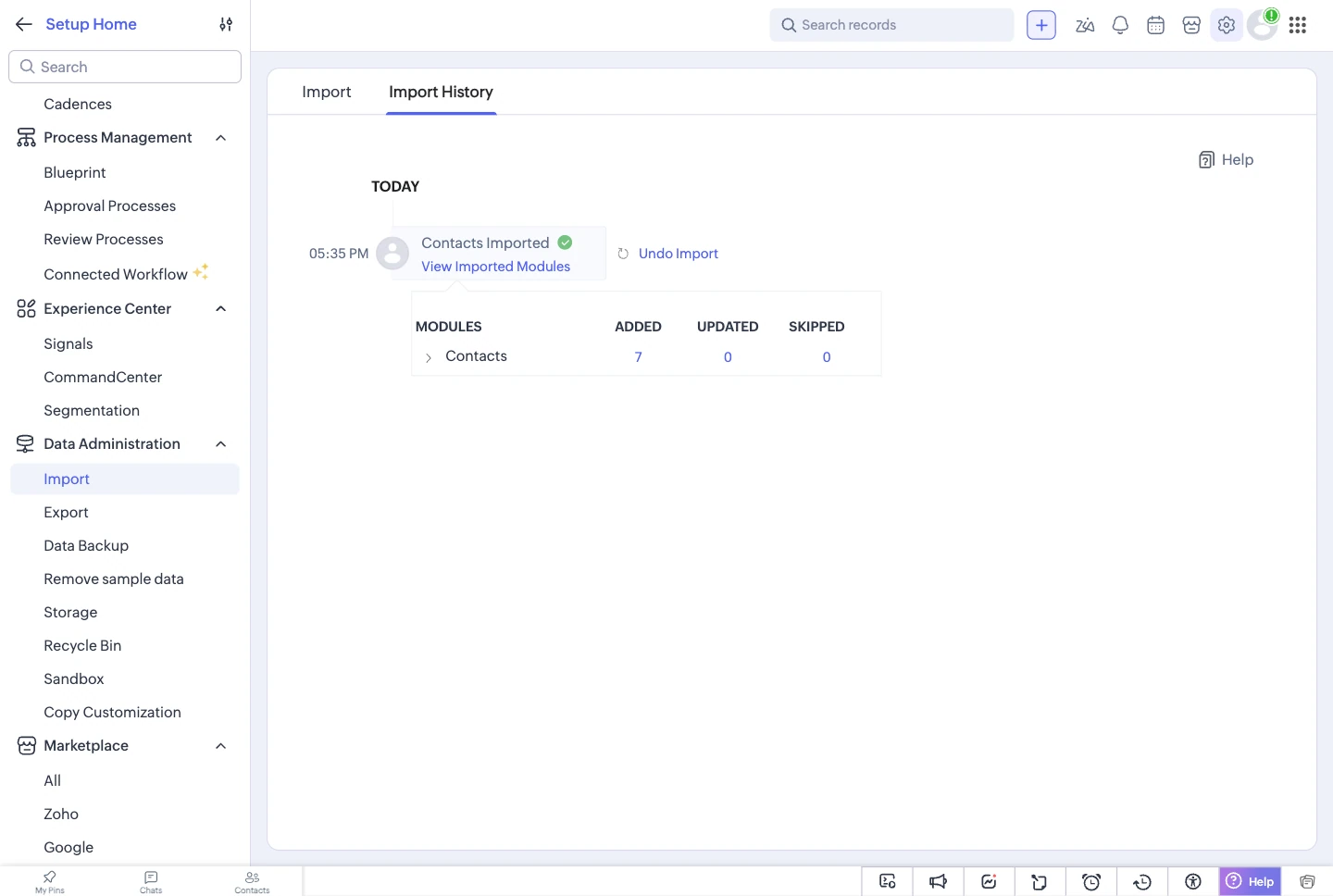
| UndoZoho helpZoho FAQ | Undo the records an import added, within 30 days. Updates cannot be undone. | No undo. Validate and a dry run come first instead. | Zoho CRM's import |
| Create a field during importZoho help | Yes, for a column that has no field yet. | No. Create the field in your CRM, then refresh the connection’s fields in Sloose. | Zoho CRM's import |
| Next month’s fileZoho help | Zoho’s import help describes no saved mapping to reuse. | Save the import as a template. Next month’s file is checked against it for free, and only what changed needs a decision. | Sloose |
| AIZoho help | Zoho’s import help describes none. | Optional, and each ask uses credits. The AI proposes. It never runs by itself and never writes a record. | — |
| Where you use it | Inside Zoho CRM. | In a tab inside Zoho CRM, or on its own at app.sloose.com. | Tie |
Facts about other products last checked on 3 October 2026.
Where Zoho's import is better
- It costs nothing extra. It comes with every Zoho CRM edition.
- It runs on Zoho's side and tells you when it is done. A Sloose run needs its browser tab open until it ends.
- It can undo. Records an import added can be removed within 30 days. Sloose has no undo.
- It can apply assignment rules, send records for approval, and trigger automation on the records it imports.
- It can create a field for a column that has none. Sloose maps to the fields your CRM already has.
- It reads .xls and VCF files, and on Standard and Professional it takes more rows in one go than Sloose's Team plan.
From Zoho's import help, checked 3 October 2026.
Undo, the honest answer
If you need to take an import back, Zoho's import can remove the records it added. Sloose cannot. What Sloose gives you instead is a check of the whole import before it writes, and a dry run that shows what each row would create or update.
Import lookup fields in Zoho CRM: by ID, or by a field you choose
Zoho's import finds a related record by its ID, a unique field, its name, an email or an external ID, and every row of a column must use the same one. A name lookup is not offered when the related module is Leads, Contacts or Users.
Sloose finds the record by a field you choose, where Zoho can search that field, and you decide what happens when nothing matches or several records do. When both files are in one import, a link to a record the run has just made is found from the run, not from a search.
Duplicates: one setting for the file, or a rule for each module
Zoho's import has one duplicate setting for the whole file: add new records, update existing ones, or both, found by one unique field.
In Sloose each module has its own match: contacts by email in lower case, accounts by website, deals by a reference. When a row matches more than one record, Sloose can stop and ask you which record it is, row by row.

One file, both ways
One realistic spreadsheet of companies, contacts and deals, taken through Zoho CRM's import and through Sloose step by step: splitting the file by module, the lookups, the picklists and dates, the failed rows, and fixing them. Then the same file in one Sloose import.
Questions people ask
Can I undo a Zoho CRM import?
In Zoho CRM's own import, yes, for the records an import added, within 30 days. Records an import updated cannot be put back. (Zoho help)
Sloose has no undo. It gives you Validate and a dry run before anything is written, so you can see each record it would create or update first.
Why does my Zoho CRM import skip records?
Zoho's help and FAQ name these causes: a mandatory field left empty, a picklist value the field does not have, a parent record that is not in the CRM yet (for example contacts imported before their accounts), and rows treated as duplicates by the unique field you chose. You can download the records with errors for seven days. (Zoho help, Zoho FAQ)
In Sloose, Validate finds a required field left unmapped and a picklist value with no matching option before the run, and the results file gives the CRM's error for every row that failed. See results in the docs.
What is the Zoho CRM import limit?
Can I import contacts and accounts at the same time in Zoho CRM?
With Zoho's own import, the FAQ says to put the accounts in a separate file and import them first, then import the contacts. (Zoho FAQ)
With Sloose, one spreadsheet can feed accounts, contacts and deals in one import, and the modules run in the order their links need. See one file, two ways.
How do I import dates in a different format into Zoho CRM?
Zoho's import asks you to select one format for a date field. (Zoho help)
In Sloose a formula reads the column, and it can handle more than one format. You see the date each value becomes before you run. See AI mapping.
More in the docs: connect Zoho CRM,Validate and results.
Try it on the file Zoho asked you to split
Start on the free plan with your own spreadsheet. No card needed.